
Webhook
The Webhook extension calls an address of yours when something happens to a task in the form. It is the way to tell an external system "look at this task" without that system polling HCAPP.
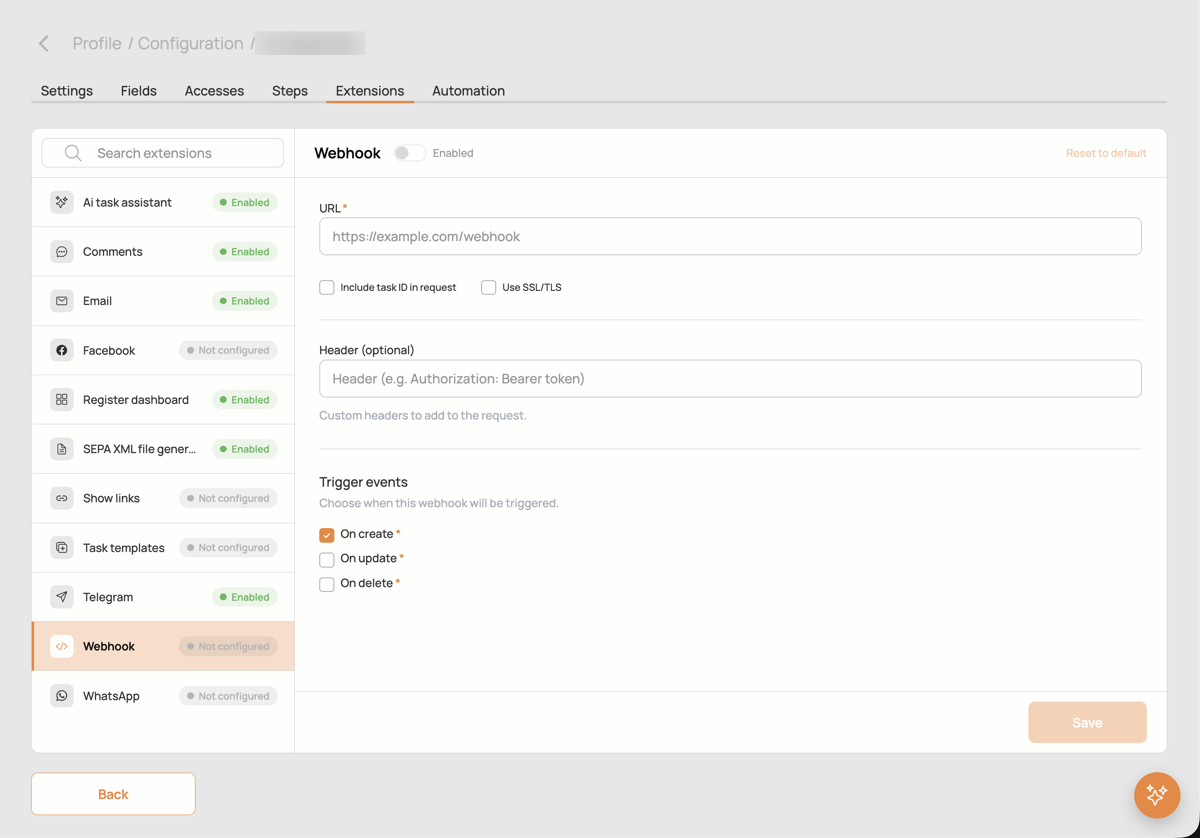
Settings
- URL: the address HCAPP calls.
- Include task ID in request: adds
task_idandform_idto the request, so the receiver knows which task to read. - Use SSL/TLS: verify the receiver's certificate. Switch it off only for test endpoints with self-signed certificates.
- Header: an optional header added to every request, usually
Authorization: Bearer <token>, so the receiver can check that the call comes from HCAPP. - Trigger events: on create, on update, on finish.
What is sent
A GET request with query parameters: event (create, update or finish) and, when enabled, task_id and form_id. The webhook carries no task data; the receiver reads the task through the Bot API with a bot that has access to the form.
The receiver should answer 200 or 202.
Related
- External integrations: bots, the Bot API and the bot's own webhook for events addressed to it.
- A Button field calls a URL when a user presses it.