
Associated table
Displays linked tasks from one selected form as a table. It is a view of existing tasks; it does not create a second copy of their data.
When to use
Use it on a customer card to see linked orders, or on a project to see related jobs. Choose Table for rows entered inside the current task, and Linked Rows for individual rows from tables in other tasks.
Settings
- Name (
name): heading for the view. - Associated form (
associated_form_id): the form whose linked tasks should be shown. - Columns (
columns): source field ID, type, name, and optional display format for each column.
The source tasks must be linked to the current task; selecting a form alone does not link all its records. The displayed values come from those tasks.
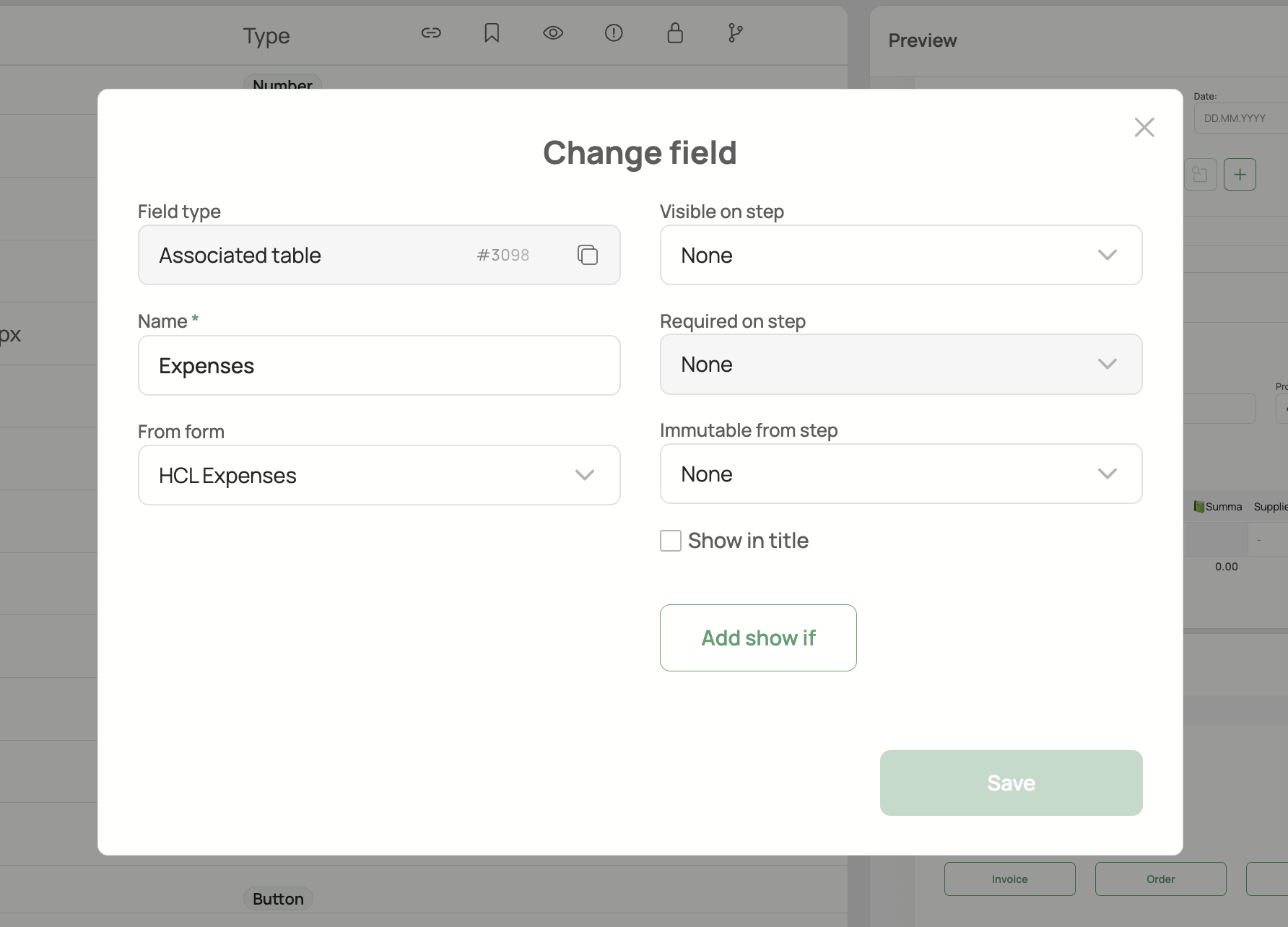
See shared field settings for workflow visibility, requirements, and layout options supported by this type.
Backend type: AssociatedTableField.